Start Your ATKey Journey From Today
Setting up your ATKey is quick and effortless. Follow a few simple steps to activate your fingerprint security key and experience passwordless login — across all your devices.
Select Your Product to Begin
-

ATKey.Badge
Set up your ATKey.Badge for fingerprint authentication, FIDO2 registration, Tapni digital business card, and PIV smart card use.
-

ATKey.Card NFC
Set up your ATKey.Card NFC for fingerprint authentication, FIDO2 registration, Tapni digital business card, and PIV smart card use.
-
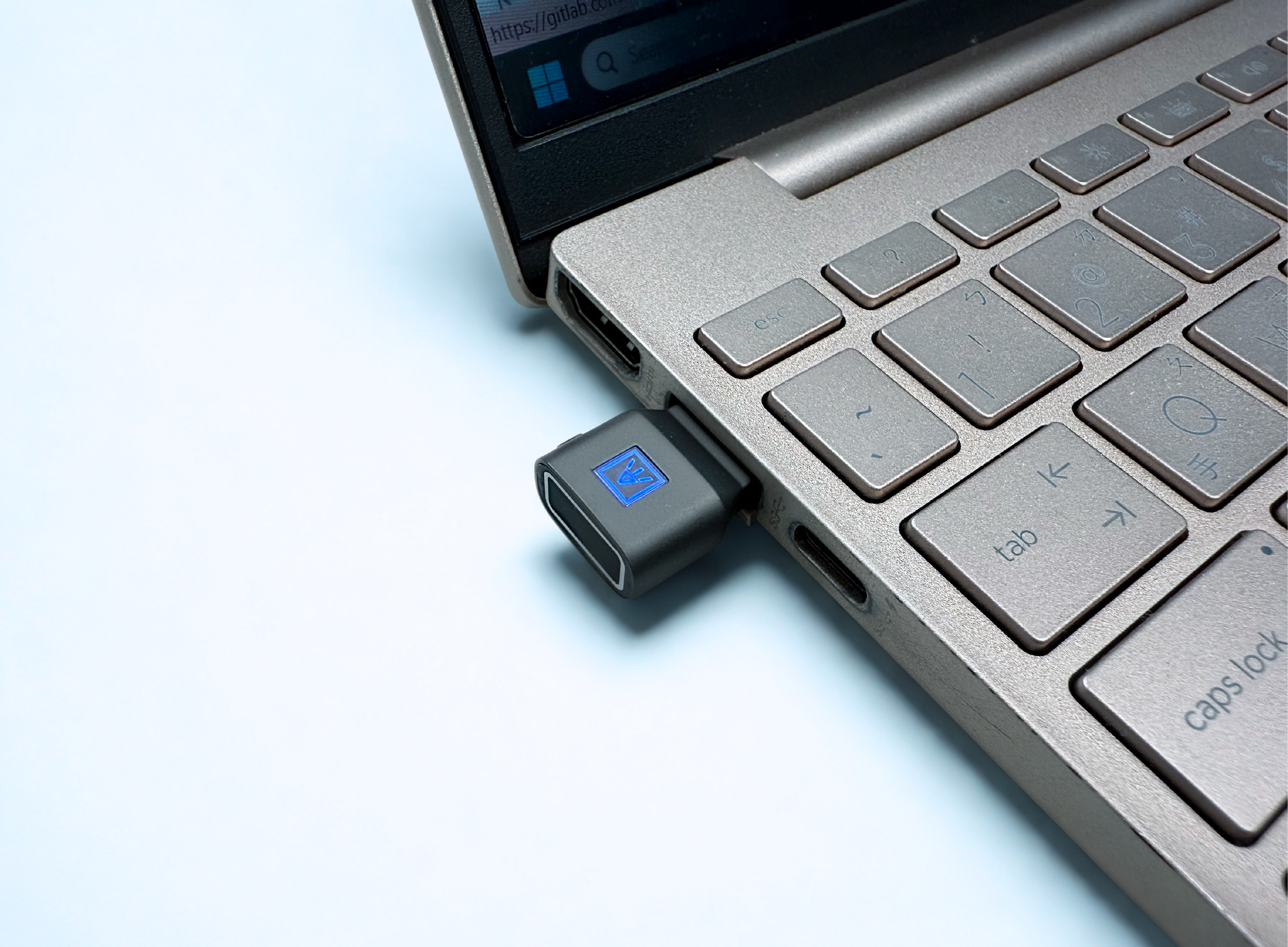
ATKey.Pro
Set up your ATKey.Pro for fingerprint enrollment and FIDO2 registration.
-
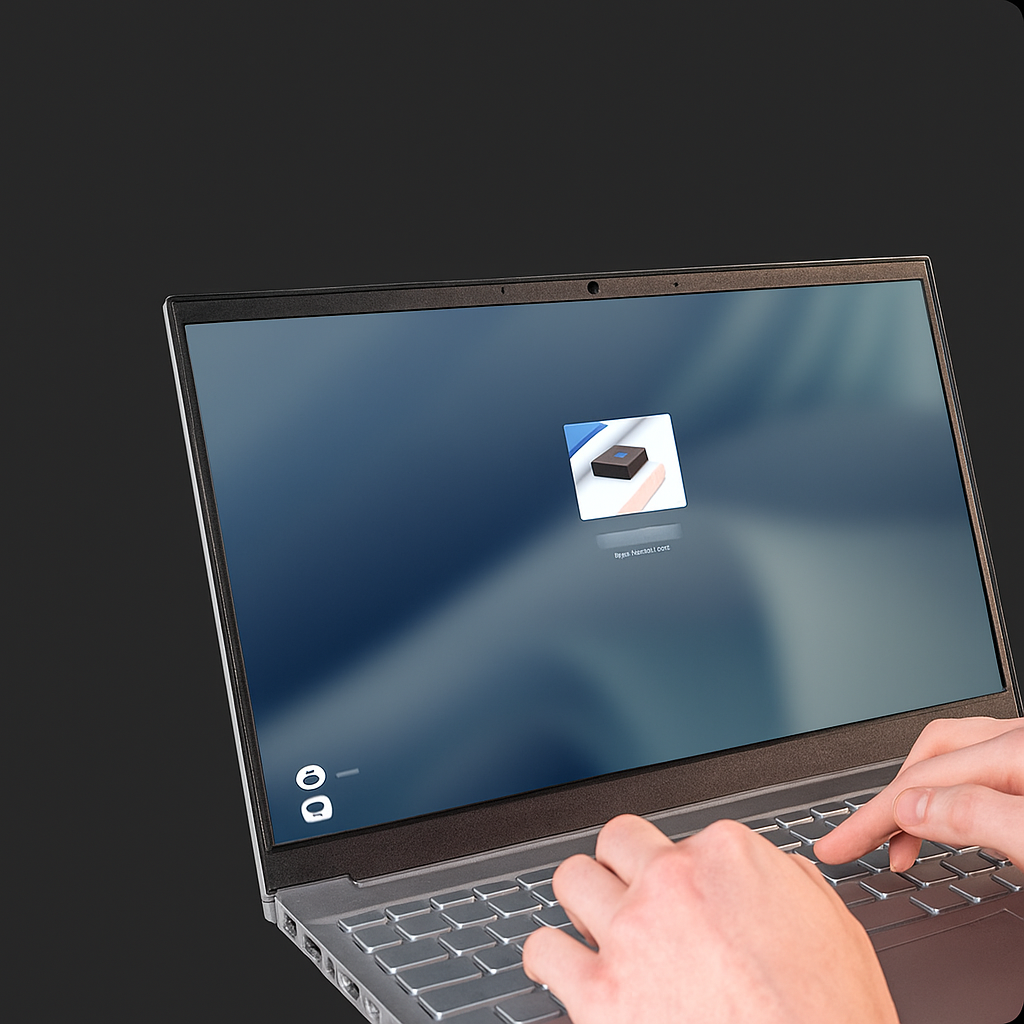
ATKey.Login
Set up ATKey.Login to enable fingerprint-secured Windows access, from account activation to device companion.
Need Help? Meet Your ATKey Setup Assistant

We’ll guide you through every step of your ATKey setup — live.
If you’re new to ATKey or setting up multiple devices, our Setup Assistant can walk you through the entire process — from fingerprint enrollment to FIDO2 registration, Digital Business Card activation, and enterprise configuration.