Phishing-resistant, biometric authentication for Microsoft Entra ID.
Secure every login with a hardware key protected by your fingerprint.
The Strongest MFA for Microsoft Entra ID with ATKey
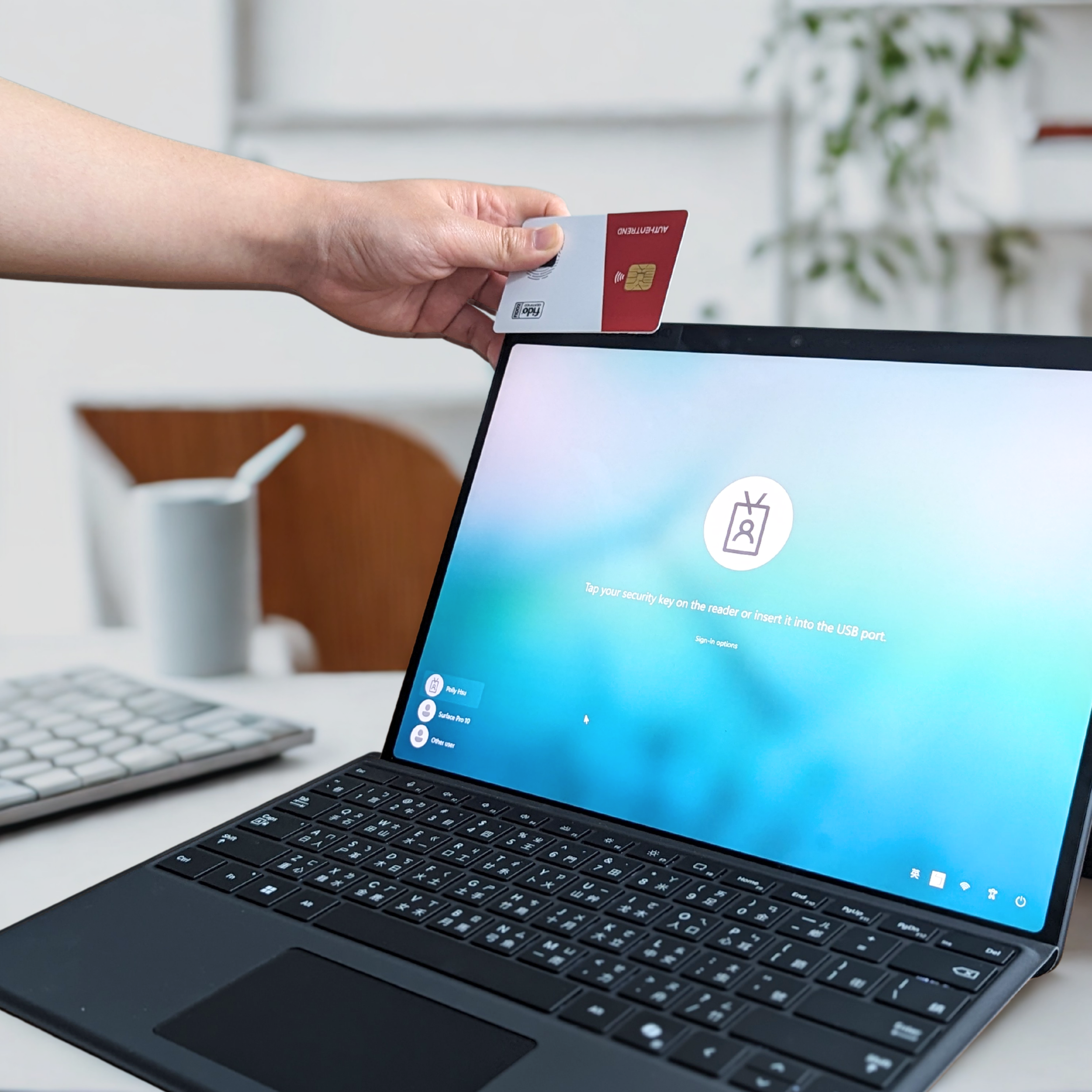
Login Windows PC with ATKey.Card NFC ↓

↑ Login Microsoft Entra ID account with ATKey.Pro on iPad
Why ATKey for Microsoft Entra ID?
ATKeys brings hardware-rooted biometric authentication to Microsoft Entra ID. Strengthen your security, reduce IT workload, and deliver a consistent user experience across your whole organization.
Microsoft Passkey Profile
ATKeys are fully compatible with Microsoft Entra ID passkey profiles for enterprise passwordless deployments.
Turn Entra ID Unphishable
Enforce FIDO2 passkey or certified based authentication (CBA) and fingerprint user verification with ATKey.
Fast Passwordless Login
For all Microsoft Entra ID supported products and services.
Cross Device Authentication
Seamless sign-in across Windows, macOS, and modern browsers.
Save IT Resources
Eliminate password recovery tickets from your IT priorities.
With ATKey.LCM
Full Lifecycle Visibility
Enrollment and provisioning tools, pre-registration utilities, admin dashboard, and credential management.
All in one place.
Streamlined User Onboarding
Smooth Windows out of the box experience, with reduced training and IT involvement.
Product Compatibility
-
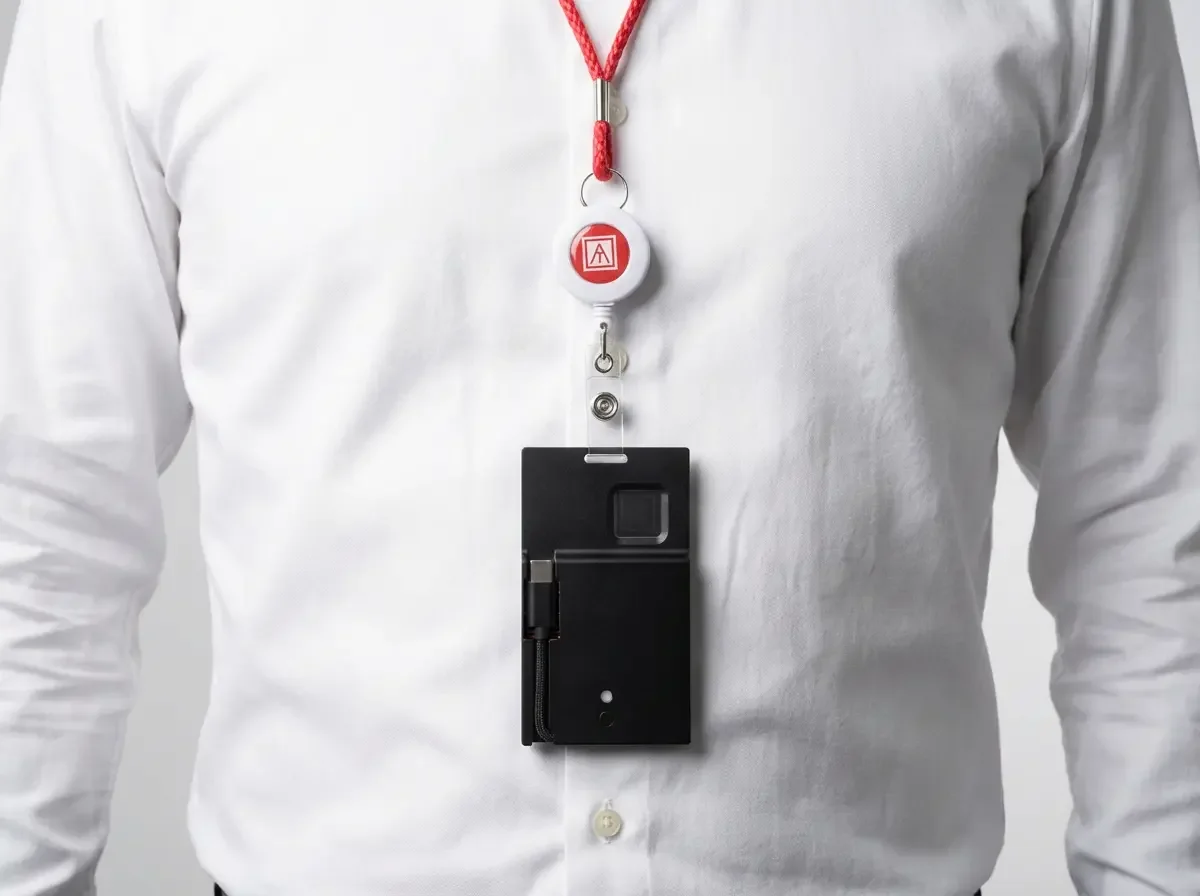
![A person wearing a white shirt with a red lanyard around their neck, holding a whistle and a black device attached to the lanyard.]()
ATKey.Badge
ATKey.Card NFC + Holder
FIDO2 MFA/Entra CBA -
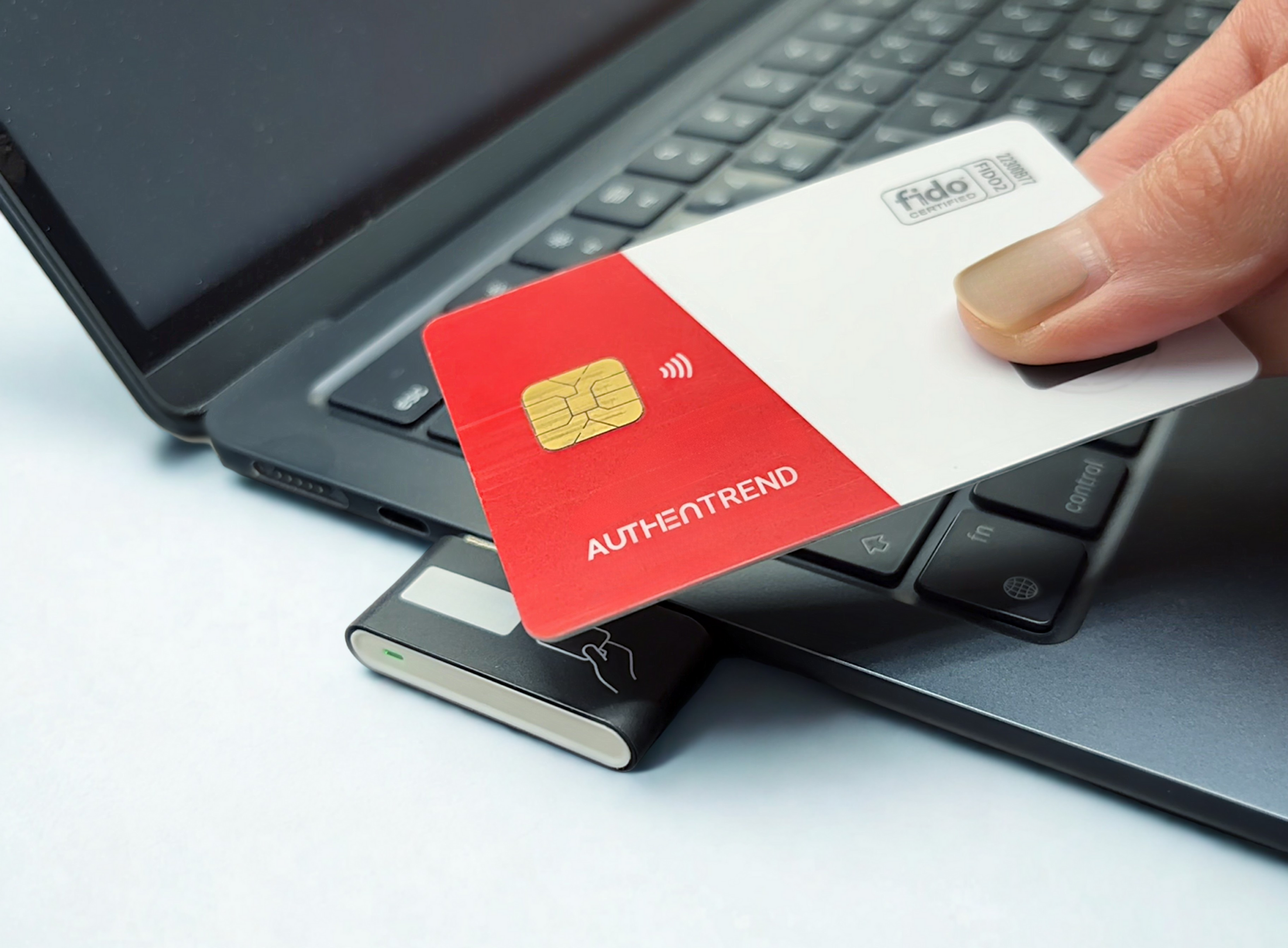
![A hand holding an Authentrend credit card over a laptop with a wireless charger and an external hard drive on a white surface.]()
ATKey.Card NFC
Multi-purpose fingerprint ID card
FIDO2 MFA/Entra CBA -
![Close-up photo of a tablet with a pop-up window titled 'Security Key' on the screen, showing instructions to insert and activate a security key for Microsoft account. A small security device labeled '2FA' is connected to the tablet.]()
ATKey.Pro
USB Type-A or C Fingerprint FIDO2 Security Key
How it Works for the End Users
Use a ATKey to sign in
User Accesses a Microsoft Service
Microsoft Teams, Outlook, OneDrive, or a domain-joined PC

User Prompted to Sign In with a Security Key
Consistent sign-in across mobile, desktop, and tablet.
User Verifies Fingerprint Locally on ATKey
Biometric data is stored locally on the device
ATKey Respond to the Challenge From Microsoft Entra ID
Using the stored private key, ATKey generates a cryptographic response
Entra ID Validates the User’s Identity
Access is granted based on successful cryptographic verification
Enrollment Flows
From User Self-Control to Admin Management
-
Administrators assign ATKey and pre-register ATKey credentials on behalf of users through a centralized lifecycle management interface, enabling controlled rollout, consistent policy enforcement, and passwordless access from day one. Learn more about ATKey.LCM
-
Click Add sign-in methods → Passkey → Create a passkey using another device → Follow the browser/device dialogue to complete the setup
Give the passkey a friendly name
-
AuthenTrend CMS partners:
Versasec
Keytos
AuthenTrend is Microsoft Intelligent Security Association (MISA) member since 2019
Industry Use Cases
-
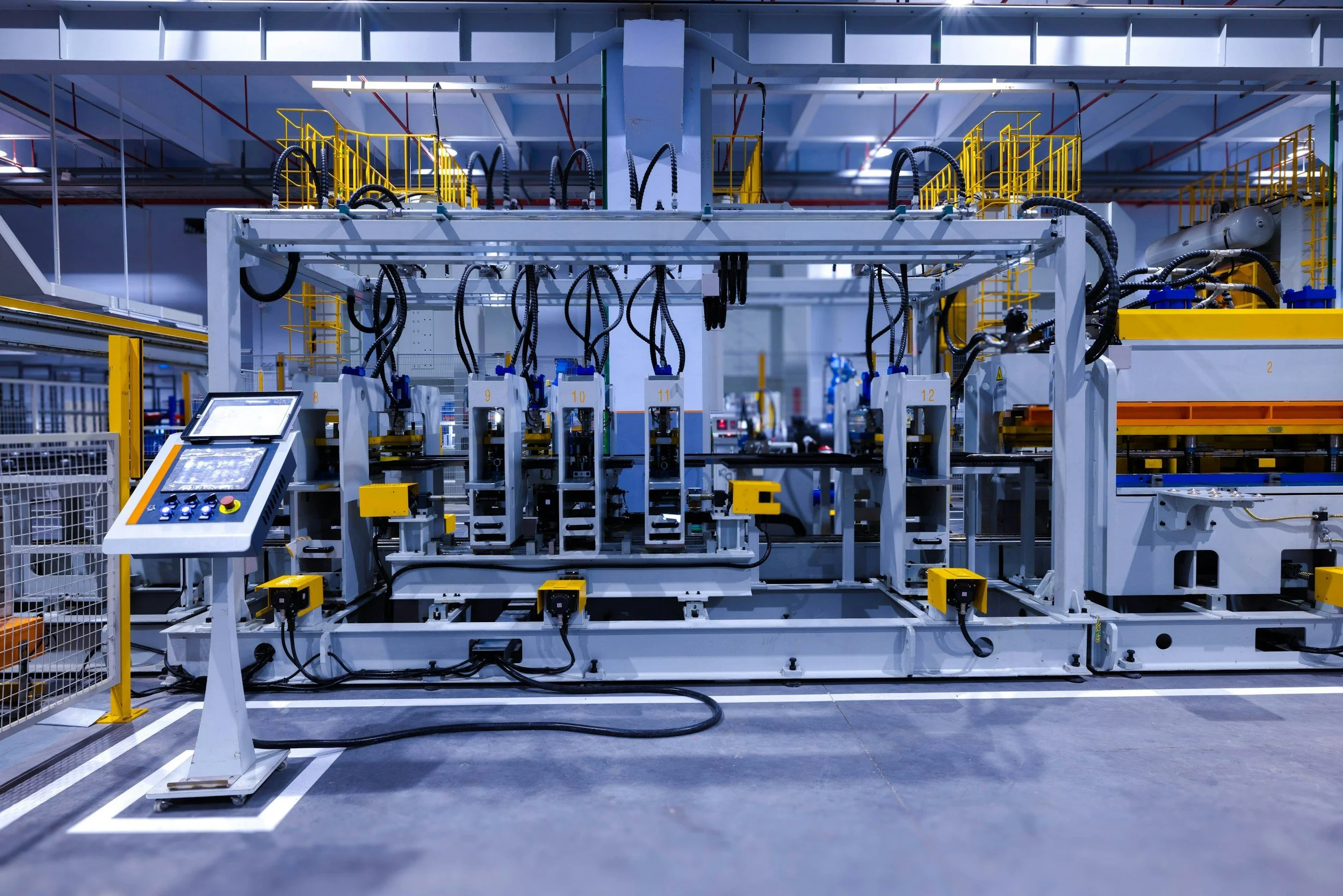
![Industrial manufacturing equipment with robotic arms and control panel in a factory setting.]()
Manufacturing
Shared terminals and ATKey.Badge to login
-
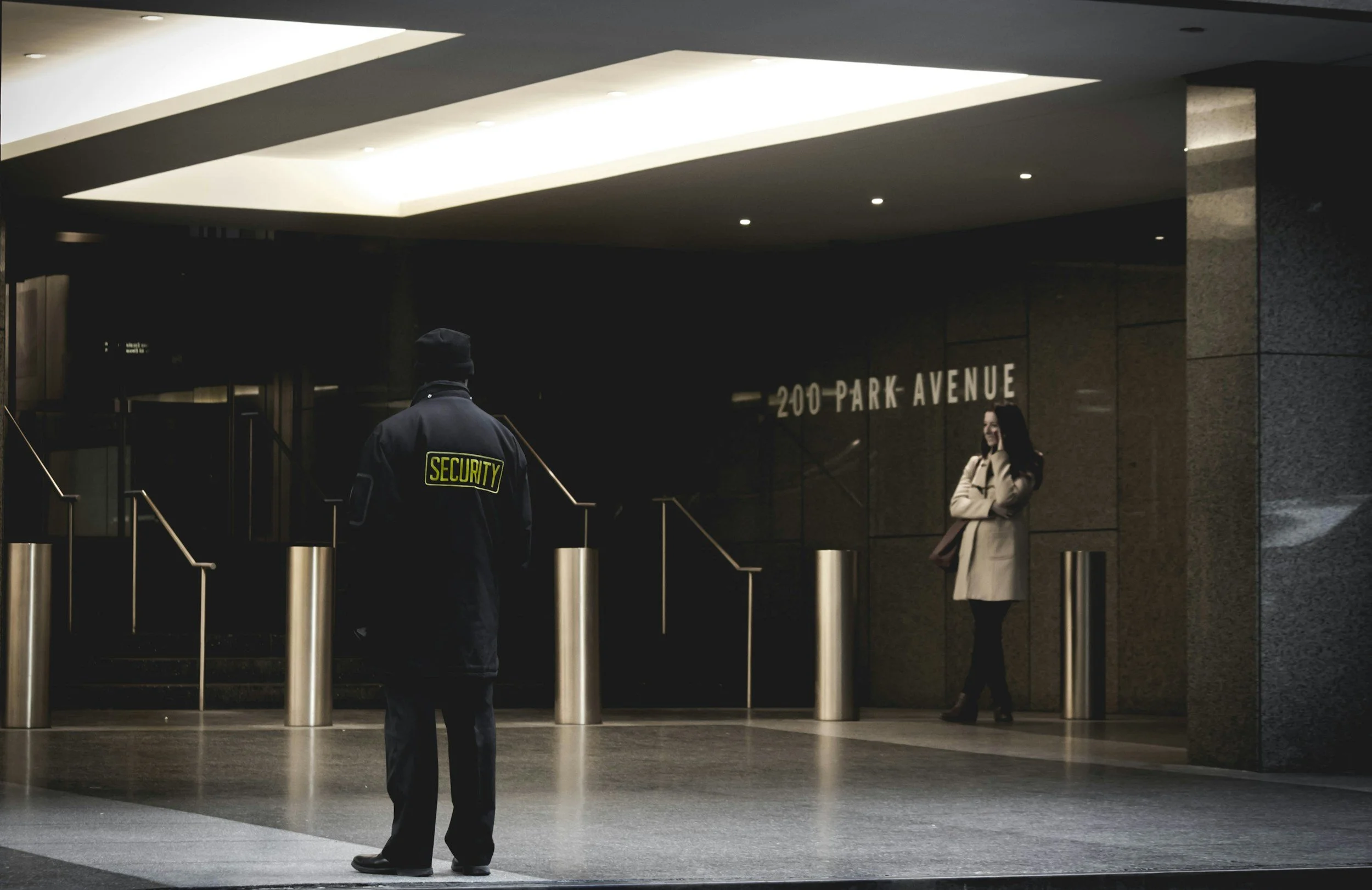
![A security guard standing and facing a woman outside a building at 200 Park Avenue.]()
Financial Services
High-security MFA mandates
-
![A man with gray hair and a beard wearing a gray t-shirt and a black apron shopping at a supermarket, selecting items from refrigerated display cases.]()
Retail
POS access and employee turnover
-
![Close-up of a dark-skinned healthcare professional's hand holding a black marker, with a stethoscope and electronic tablets on a white surface, indicating a medical setting.]()
Healthcare
Secure access to EMR and terminals